xval Terminal 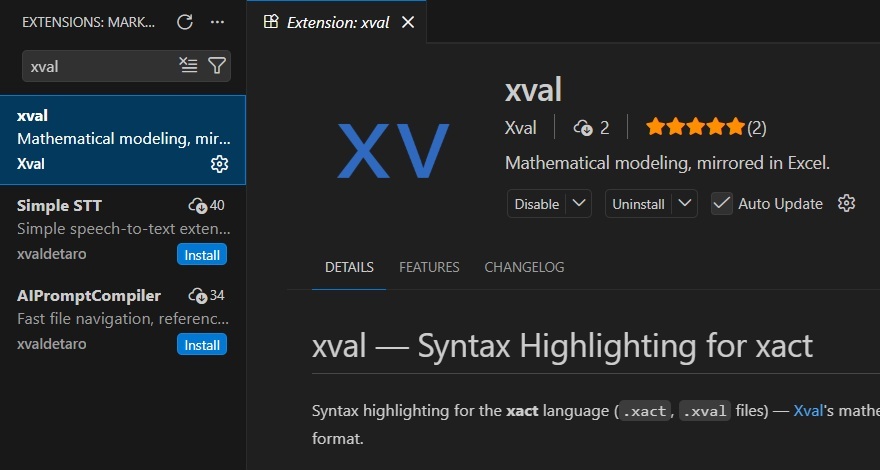
Download
Xval is only available for Windows. Other platforms will be supported soon. The recommended way to install Xval on Windows is to use the Microsoft Installer for the latest release.
Microsoft Installer 0.1.3 (latest): xval-v0.1.3.msi
See the documentation for usage instructions.
Python Package
You can use Xval via its python bindings.
> pip install xvalLanguage Support
Xval provides xact language support for a few leading code editors.VS Code
The xval extension provides syntax highlighting for xact. Neovim
Tree sitter syntax highlighting is available in https://github.com/XvalSystems/tree-sitter-xact.
Advanced Installation
Xval can also be installed by downloading the pre-compiled binary for your platform and adding it to your path. See below for files.
Releases
0.1.3
| OS | Architecture | Installer | Binary |
|---|---|---|---|
| Windows | x86_64 | xval-v0.1.3.msi | xval.exe |
0.1.2
| OS | Architecture | Installer | Binary |
|---|---|---|---|
| Windows | x86_64 | xval-v0.1.2.msi | xval.exe |